ShotItWell

ShotItWell

Screenshot and mark it up on your Mac

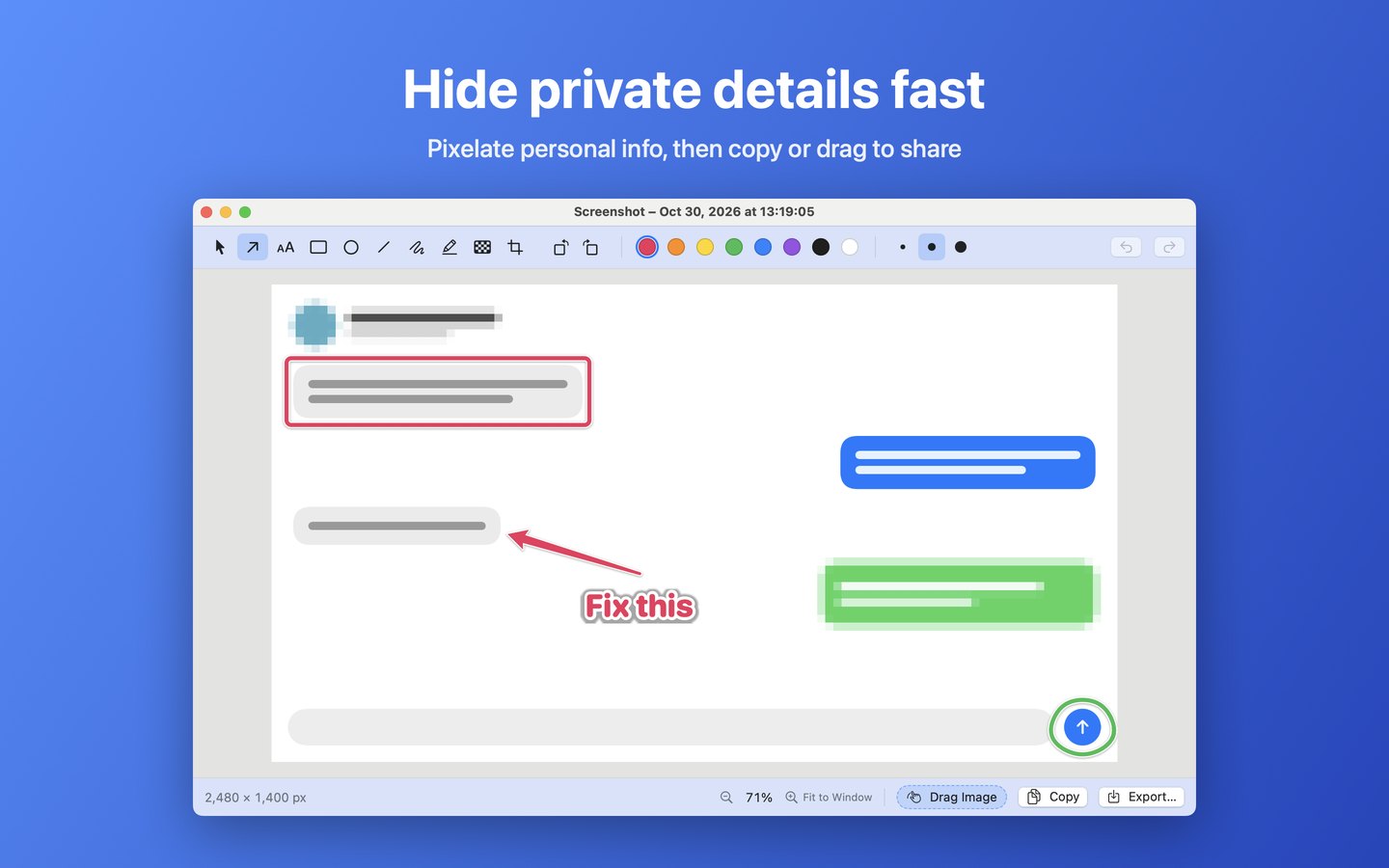
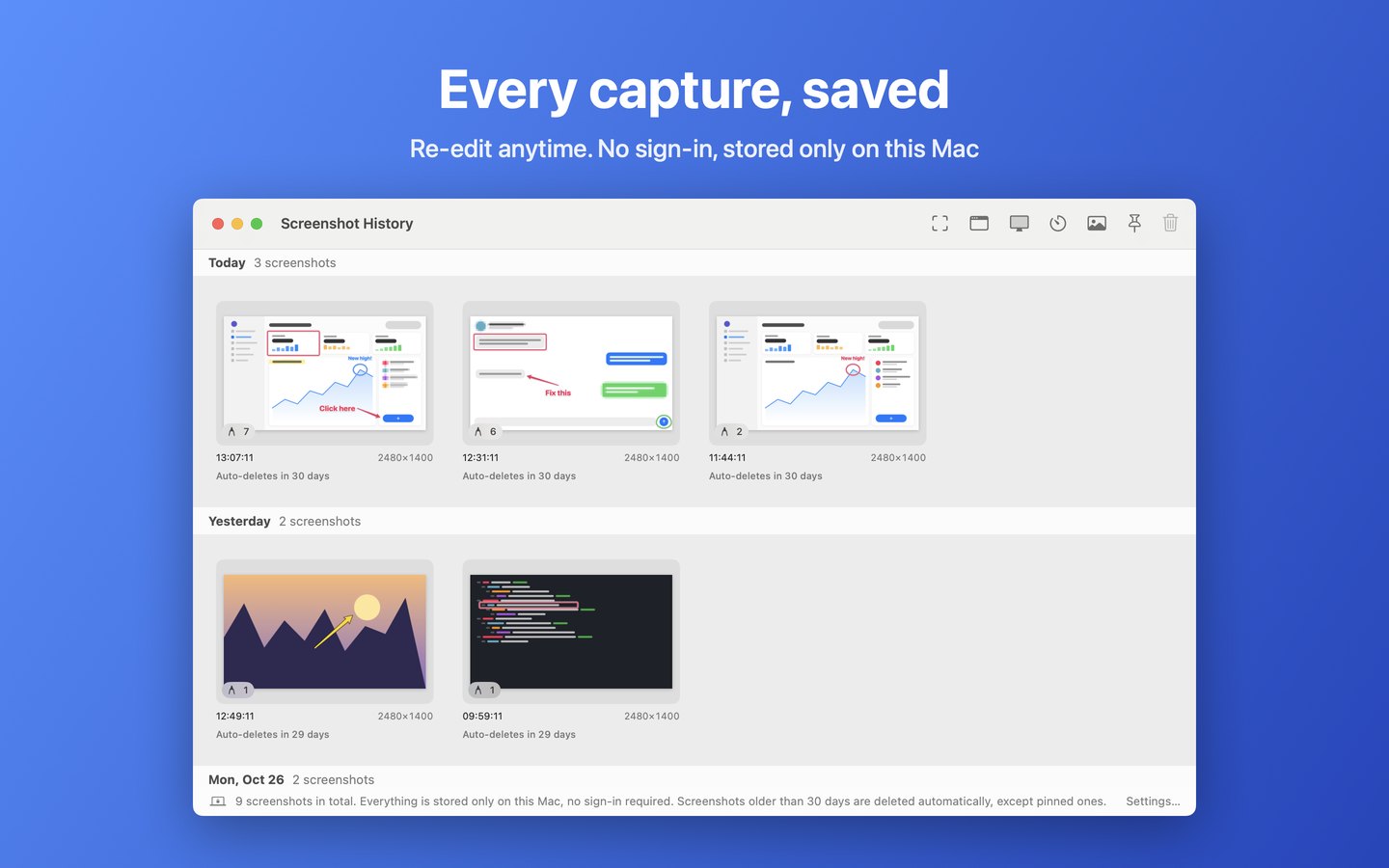
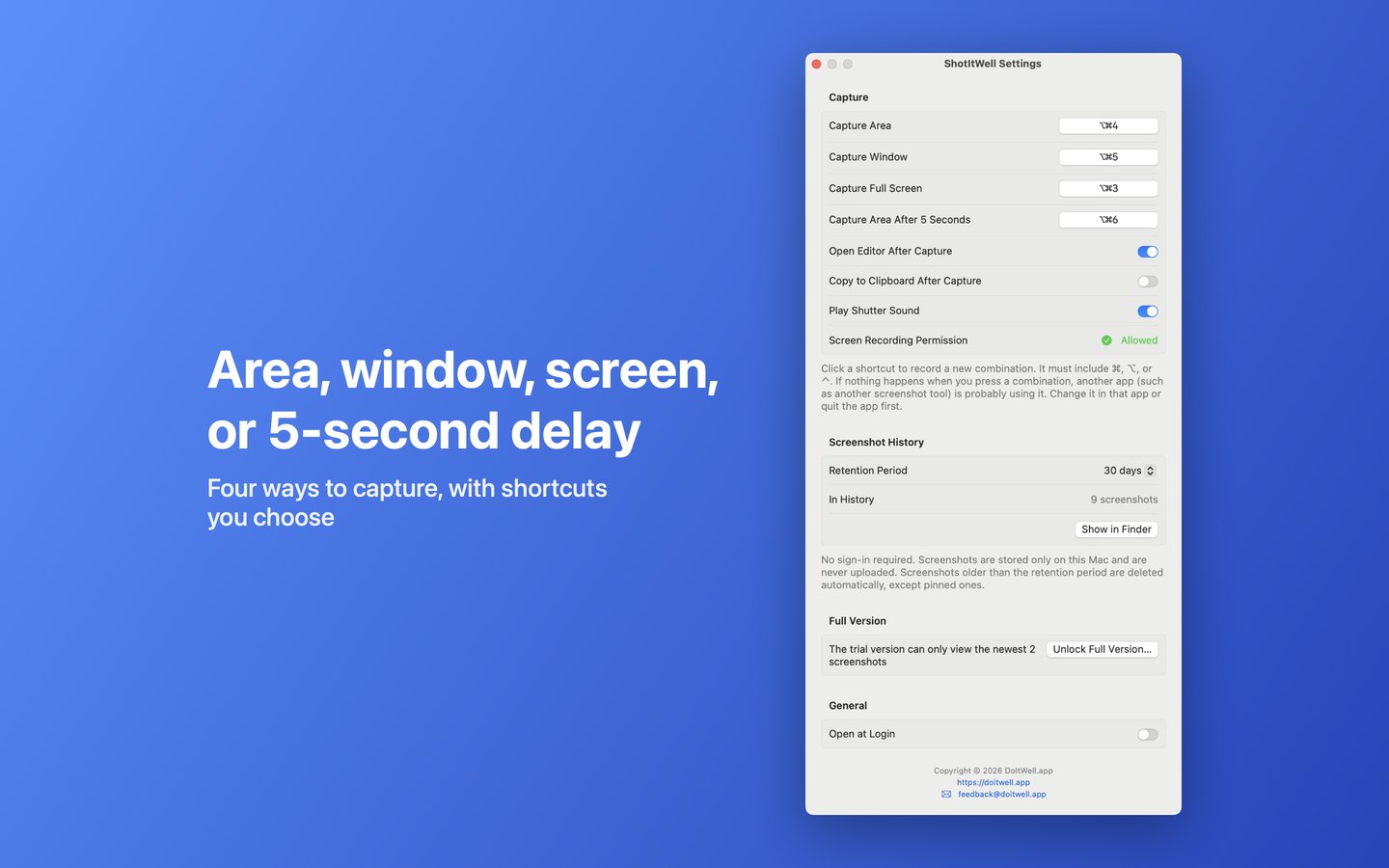
Capture an area, a window, the full screen, or an area after a 5-second delay with a shortcut, then mark it up right away with arrows, boxes, text, highlighter and pixelate, and copy, drag or export it. Every capture is saved for re-editing. No sign-in, stored only on this Mac.

Features

01
⌥⌘4 area, ⌥⌘5 window, ⌥⌘3 full screen, ⌥⌘6 5-second delay
02
Arrows, text, boxes, highlighter and pixelate
03
Draw outside the image to grow the canvas; rotate and crop
04
Drag, copy, export, or search the image with Google
05
Capture history kept locally, no sign-in

Preview & Screenshots

← Swipe to view more →

ShotItWell screenshot

Get it Now

Free download, easy to use

App Store